How to Add Tours and Activities to Your Travel App in an Afternoon

Adding a new product line to a travel app usually means weeks of supplier integrations. With TourScanner, it means one API and a handful of endpoints.
What you need
- A TourScanner API key (issued on request)
- A screen in your app where activities will appear
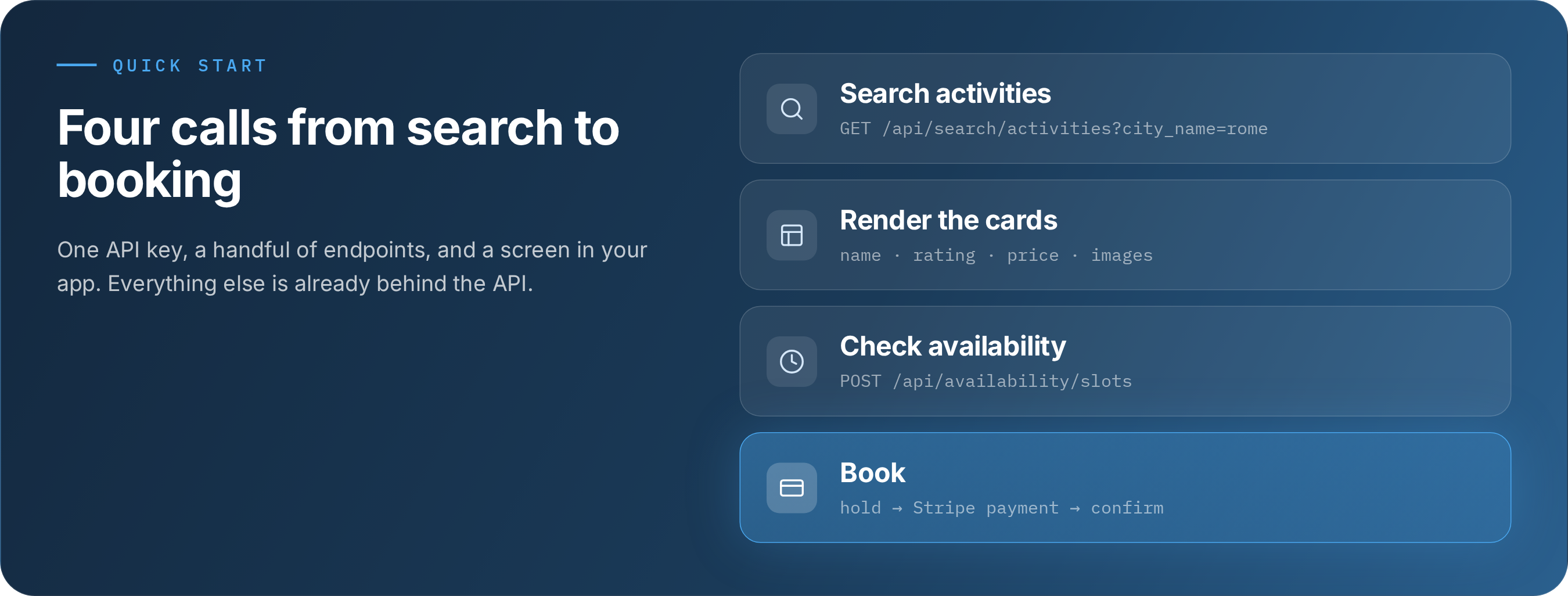
Step 1: Search activities. One call returns ranked results for a city:
const response = await fetch(
'https://tourscanner.ai/api/search/activities?city_name=rome&sort=caliber&limit=10',
{ headers: { 'X-API-Key': 'YOUR_API_KEY' } }
)
const { activities, total } = await response.json()
Step 2: Render the results. Each activity includes name, description, rating, price and a thumbnail image, so you can build a card without extra lookups.
Step 3: Check availability. Call POST /api/availability/slots when the traveler picks a date, and show only real, bookable slots.
Step 4: Book. POST /api/booking/hold reserves the inventory and creates a Stripe checkout. It needs details from the chosen slot and the traveler's contact details, and returns a checkoutUrl. Send the traveler there to pay (the card is authorized, not charged); Stripe then sends them back to your site with a session_id (pass your baseUrl in the hold request). Then POST /api/booking/confirm with that session_id finalizes the booking and returns voucher and ticket URLs when the supplier provides them.
What you get: more than 1,000,000 activities across thousands of cities and 11 languages, behind one integration, with checkout included.
Get started: request your API key at tourscanner.ai.